Accessibility and SEO
Read more about this topic
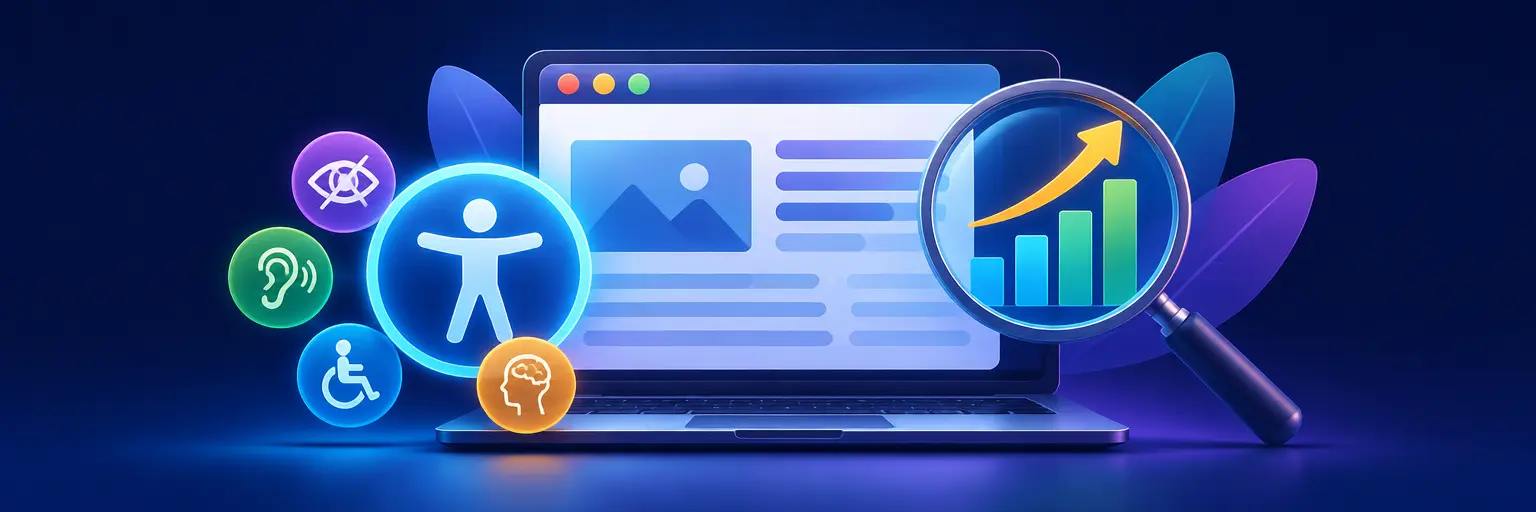
Accessibility and SEO are two sides of the same coin—when you make your website usable for everyone, including people with disabilities, you also boost your rankings. Google rewards inclusive design because it improves user experience, reduces bounce rates, and increases dwell time. By adding alt text, proper heading structures, keyboard navigation, and sufficient color contrast, you simultaneously create a more crawlable, indexable site for search engines. This dual-benefit approach helps you tap into a broader audience, earn more backlinks from advocacy groups, and align with core Web Vitals signals like layout stability and readability. Don’t treat accessibility as an afterthought—integrate it into your on-page SEO strategy to build trust, lower legal risks, and outrank competitors who overlook these crucial technical details. Start with simple wins like ARIA labels and descriptive link text, then scale up to video captions and semantic HTML. When every visitor, regardless of ability, can navigate and convert easily, your site’s authority and organic visibility grow naturally. 🚀
1 article
Articles in Accessibility and SEO
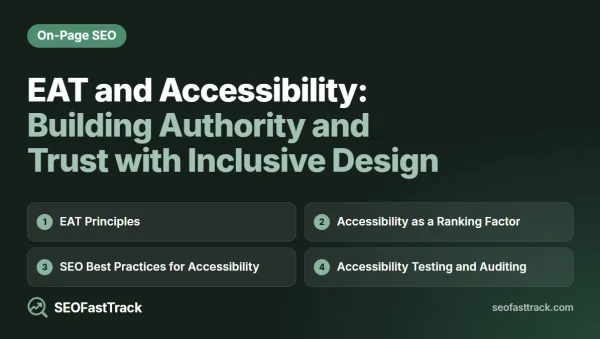
Accessibility and SEO: The Overlooked Ranking Advantage
When optimizing your website for search engines, most people focus on keywords, meta tags, and backlinks. However, accessibility and SEO are deeply interconnected—Google’s core algorithms reward pages that are usable by everyone, including people with disabilities. An accessible site not only improves user experience (UX) but also reduces bounce rates, increases dwell time, and boosts crawlability. For small business owners and bloggers on SEOFastTrack, mastering this subcategory means you can outrank competitors who ignore accessibility while building a loyal, inclusive audience.
🔍 Why Accessibility Directly Influences Search Rankings
Google’s Webmaster Guidelines emphasize that pages should be “crawlable and renderable” for all users, including those using screen readers or keyboard navigation. When you add proper alt text to images, descriptive link anchors, and semantic HTML (like header tags), you make it easier for crawlers to understand your content’s structure. This leads to better indexing of your pages, which directly correlates with higher rankings for target keywords. Moreover, accessible pages often load faster and have cleaner code, which are core signals for Google’s Core Web Vitals.
Beyond technical crawlers, accessibility impacts user engagement metrics. For example, a visually impaired visitor who can navigate your site with ease will stay longer and view more pages. These positive behavioral signals tell Google your page is valuable, pushing it up in search results. In contrast, sites with inaccessible features—like tiny clickable areas or missing transcripts for videos—suffer from higher exit rates. By integrating WCAG 2.1 guidelines into your on-page SEO strategy, you create a virtuous cycle: better UX, stronger signals, and improved organic visibility.
📝 Core Accessibility Elements You Must Optimize for SEO
Start with alt attribute accuracy. Every image should have descriptive alt text that includes your primary keyword naturally, but also explains the image’s context. For example, instead of “image1.jpg,” use “blue running shoes on a trail for marathon training.” This helps search engines index your images (driving image traffic) and also assists screen readers. Additionally, ensure your headings follow a logical hierarchy—only one H1 per page, with H2s and H3s structuring subtopics. This makes it easier for crawlers to parse your content’s main themes, improving your chances of ranking for long-tail variations.
Another critical element is keyboard navigability. All interactive elements—links, forms, buttons—must be operable via keyboard alone. Use the tabindex attribute correctly and provide visible focus states (like outlines). For search engines, this means your site is fully crawlable without mouse dependencies, which reduces the risk of broken navigation. Also, add transcripts and captions for video and audio content. This not only boosts accessibility but also gives you additional text to rank for relevant keywords within the same page, increasing topical authority.
⚡ Technical SEO Techniques That Double as Accessibility Fixes
Leverage schema markup (e.g., Article, FAQPage) to clearly define your content types. Screen readers use this structured data to present information logically, and search engines use it for rich snippets. For example, marking up your FAQ section helps Google show your questions directly in SERPs, improving click-through rates. Additionally, implement descriptive titles and meta descriptions that are concise yet informative—these are read aloud by screen readers and used as previews in search results, so clarity boosts both usability and rankings.
Implement lazy loading with care. While lazy loading speeds up performance, ensure it doesn’t hide content from crawlers or assistive technologies. Use the loading="lazy" attribute only for below-the-fold images with proper fallback text. Also, check your site’s color contrast. High contrast between text and background improves readability for visually impaired users and reduces bounce rates. Search engines don’t directly score contrast, but low contrast often leads to lower engagement metrics, indirectly harming your SEO. Regular audits using tools like Lighthouse or WAVE can pinpoint these issues quickly.
🎯 Real-World Benefits: Conversion and Retention Through Inclusive Design
When you prioritize accessibility, you unlock a larger market segment—roughly 15% of the global population has some form of disability. This means more potential customers for your small business or blog. Accessible pages also tend to have clearer calls-to-action (CTAs), as you simplify navigation to be logical and predictable. For example, descriptive button text like “Download the SEO Checklist” instead of “Click here” works better for screen readers and improves user comprehension, leading to higher conversion rates.
Moreover, accessible websites naturally encourage social sharing. When users find your content easy to read, listen to, or navigate, they are more likely to share it on social media and forums. This generates backlinks and referral traffic, both of which are crucial for off-page SEO. Additionally, an accessible site reduces legal risks under laws like the ADA in the U.S. or EAA in Europe, protecting your brand reputation. By combining accessibility with SEO, you build a sustainable asset that ranks well, serves diverse audiences, and drives long-term business growth—exactly what SEOFastTrack aims to teach you.
🧰 Tools and Practices to Audit Your Accessibility-SEO Alignment
Start with Google Lighthouse (inside Chrome DevTools), which provides an accessibility score combined with performance, SEO, and best practices. Run it on your top pages, then fix the issues it flags—like low contrast, missing alt text, or non-semantic HTML. Next, use WAVE (Web Accessibility Evaluation Tool) to visually see errors on your page. Pair these tools with Screaming Frog to check for missing titles, duplicate headers, or broken anchor links that affect both accessibility and crawl efficiency.
Regularly test with screen readers like NVDA (free) or VoiceOver (built into macOS). Listen to your own pages to ensure the reading order matches your visual layout. Additionally, monitor your search console for “indexed, not submitted” errors that often stem from inaccessible redirects or pagination. Incorporate a checklist into your content workflow: before publishing, confirm alt text, heading hierarchy, descriptive link text, and no color-only information. Over time, this practice becomes second nature, keeping your site both user-friendly and search-engine-competitive.
Frequently Asked Questions
Does accessibility help SEO directly or only indirectly?
Accessibility affects SEO both directly and indirectly. Directly, it improves crawlability and rendering for search engines by using semantic HTML, proper alt text, and structured data. Indirectly, it lowers bounce rates and increases dwell time, which are user engagement signals that Google uses to assess content quality.
Can I use the same alt text for all images to save time?
No, that’s harmful. Each image's alt text should describe its specific content and context. Duplicate alt text confuses search engines and screen readers, potentially causing keyword cannibalization. Write unique, descriptive alt text that includes relevant keywords only if they naturally fit the image’s purpose.
What are the most common accessibility mistakes that hurt SEO?
Common mistakes include missing alt attributes, using headings out of order (e.g., jumping from H1 to H3), non-descriptive link text, and forms without labels. These errors confuse crawlers and users, leading to poor indexing and high exit rates. Fix them by following WCAG 2.1 guidelines.
Does making my site accessible slow down page speed?
Not necessarily. Many accessibility improvements, like clean code and compressed images, actually speed up your site. However, adding too many ARIA roles or heavy transcripts can bloat pages. Optimize by using efficient markup and lazy loading for media, which preserves speed and accessibility.
How often should I audit my site for accessibility and SEO overlap?
You should run a basic audit monthly and a deep audit quarterly. Use automated tools like Lighthouse for quick checks, but manually test with keyboard navigation and screen readers after major updates. Integrating it into your routine prevents small issues from escalating into ranking drops.
Related topics